SaaS launch video. Made from your product site.
Your real product on devices, your features and an end card, cut to music. A SaaS launch video made from the page you already wrote, priced before it renders.
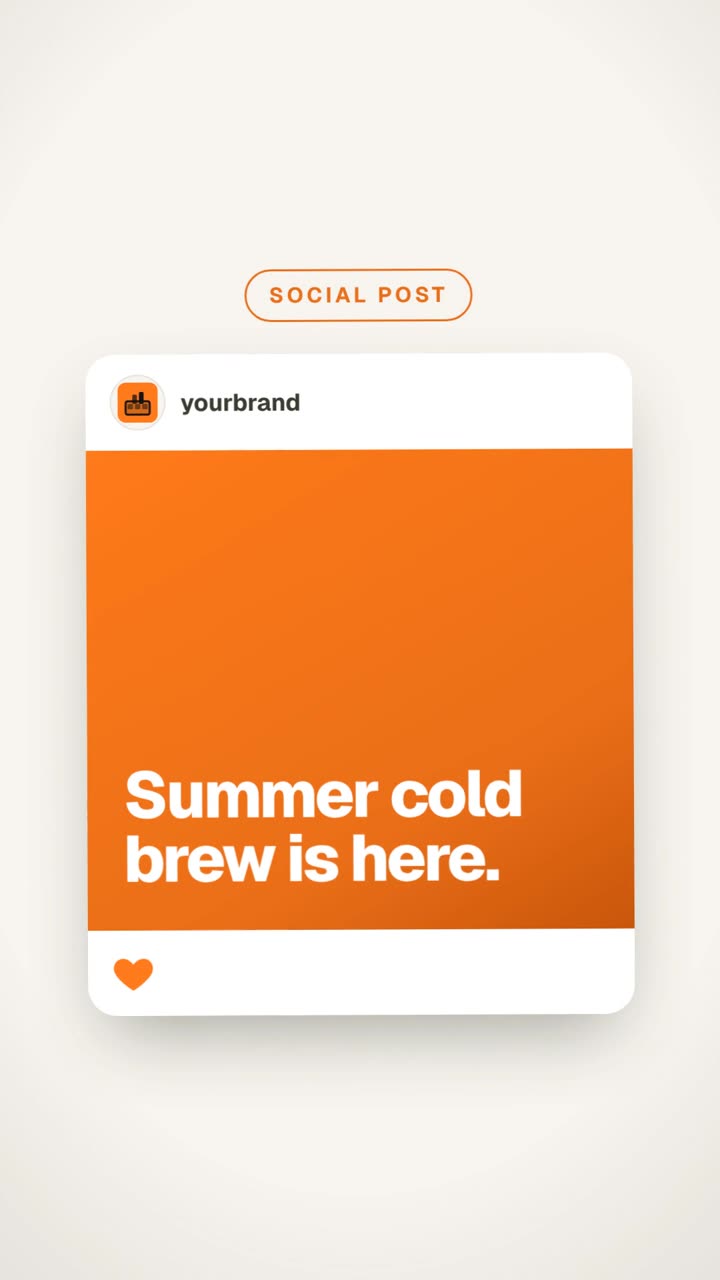
- Lengths from your site
- 15 · 30 · 45 s
- Aspect ratios
- 3
- Your own files per brief
- 20
- Channels in one queue
- 7
Paste a link. Pick a length. Render.
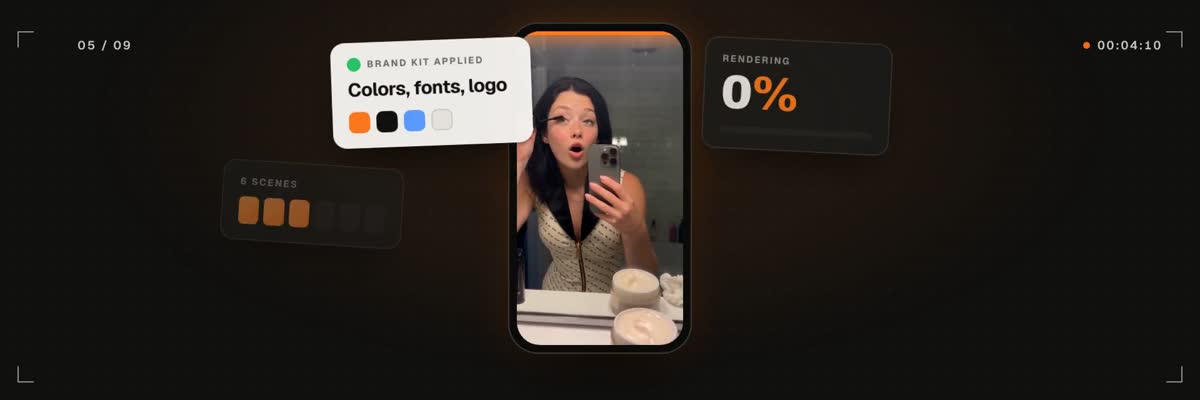 From a link
The link start in the composer: paste your site, choose 15, 30 or 45 seconds and a ratio, pick a track, and the scenes are built from the page itself.
Why SaaS teams skip the launch video
Plenty of SaaS releases go out with a changelog post and a screenshot because the video is the expensive part. The options are an agency quote with weeks of lead time, or days in a template editor rebuilding your brand by hand.
Your product site already holds most of what a SaaS launch video needs: the name, the promise, the features and the screens. A launch video made from that page starts where your marketing already is, so the film says what the site says.
What a good SaaS launch video looks like
The link start writes its scenes from your page's own headline and features, so a clear page gives you a clear film. If the film comes out vague, sharpen the hero copy and render again.
- One promise, said in the first seconds.
- Real screens: the dashboard, the editor, the result, shown on devices.
- Three features at most, one per scene.
- One call to action on the end card: the URL, the plan or the waitlist.
- About thirty seconds, with text that reads without sound.
Feature launch or product launch?
Not every release needs the full film. A feature launch works as a 15 second teaser: the new capability, one screen, the link. A product launch or a major version earns 30 to 45 seconds with the promise, the features and the end card.
For a feature that is not on the site yet, start from your idea & media: write the brief, add screen recordings or screenshots of the new flow, and set any length from 5 to 90 seconds.
Where the SaaS launch video goes
Each render comes in one ratio, so render the link once per placement. Then schedule every post from one queue across 7 channels, with the analytics coming back to the same place.
- 16:9 for the website hero, YouTube and the Product Hunt gallery.
- 1:1 for the LinkedIn announcement.
- 9:16 for Reels, TikTok and Shorts.
A render or an agency?
An agency brings a script writer, a motion designer and rounds of feedback. That is worth it for a brand film you will run for a year. For a launch that ships this week, a render from your own page costs credits instead of a production budget, and you can render again after you change the headline.
How it works
- 01
Paste your product site
The page gives the name, the promise, the colors, the logo and the screens.
- 02
Add a line of direction
Say what launches and what the end card should ask for, or leave it to the page.
- 03
See the price. Render.
Pick a length, a ratio and a track, confirm the credits, and the film renders.
- 04
Post the launch everywhere
Schedule the video with the announcement on LinkedIn, X, YouTube and the rest from one queue.




What does it cost?
A video from your link is 31 credits for 15 s, 38 for 30 s and 46 for 45 s, including the site capture, device renders and an art-direction pass. Videos from your idea & media or from a video you love run from 13 credits at 5 s to 55 at 90 s. You see the exact price before you confirm, and a render that fails is refunded in full.
Questions, answered
More on launch videos
Ship the film. With the launch.
Paste your product site, pick a length and a track, and see the price before it renders.
Rated 4.9/5 by 180+ content teams · First video in about 7 minutes · Nothing goes live until you schedule it