Your Product Hunt launch video. Made from your site.
Make the video that plays first in your Product Hunt gallery from your own site: 16:9, about 30 seconds, cut to music. Publish it to your YouTube channel from the same queue, then paste the link.
- The gallery ratio
- 16:9
- A good launch length
- 30 s
- Where Product Hunt takes video from
- YouTube
- Channels for the launch-day posts
- 7
Paste a link. Pick a length. Render.
 From a link
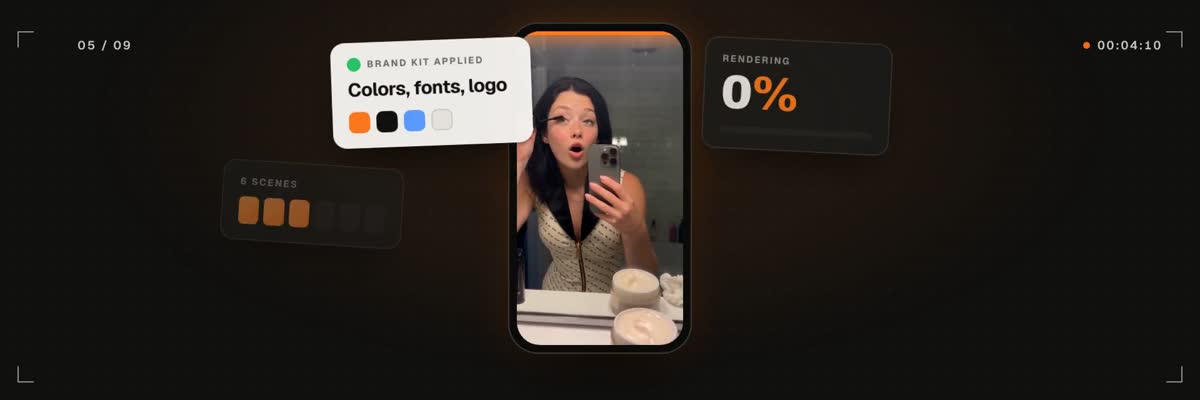
The link start in the composer: paste your site, choose 15, 30 or 45 seconds and a ratio, pick a track, and the scenes are built from the page itself.
What does Product Hunt accept for a launch video?
Product Hunt takes video as a YouTube link. Its help center says only YouTube links are supported, the video must not be set to private, and you need the full URL because shortened links will not load. A video you add shows first in your gallery, ahead of the images, and the gallery needs at least two images before it can be viewed.
So a Product Hunt launch video has two jobs: be worth leading the gallery with, and live on YouTube in a form the launch form accepts. The rules are Product Hunt's and can change, so check its help center before launch day.
What makes a launch video work in the gallery?
The link start is built for this shape. It writes the scenes from your page's own headline and features and puts your screenshots on devices, so the gallery shows the product people will land on.
- Say what it is in the first seconds. Name the product and the one claim before anything else.
- Write it to work with the sound off. Text on screen should carry the story on its own.
- Show the product, not a logo intro. Real screens earn more trust than an animated mark.
- Keep it short. Thirty seconds holds a claim, a few features and a call to action.
A vertical cut for launch-day posts
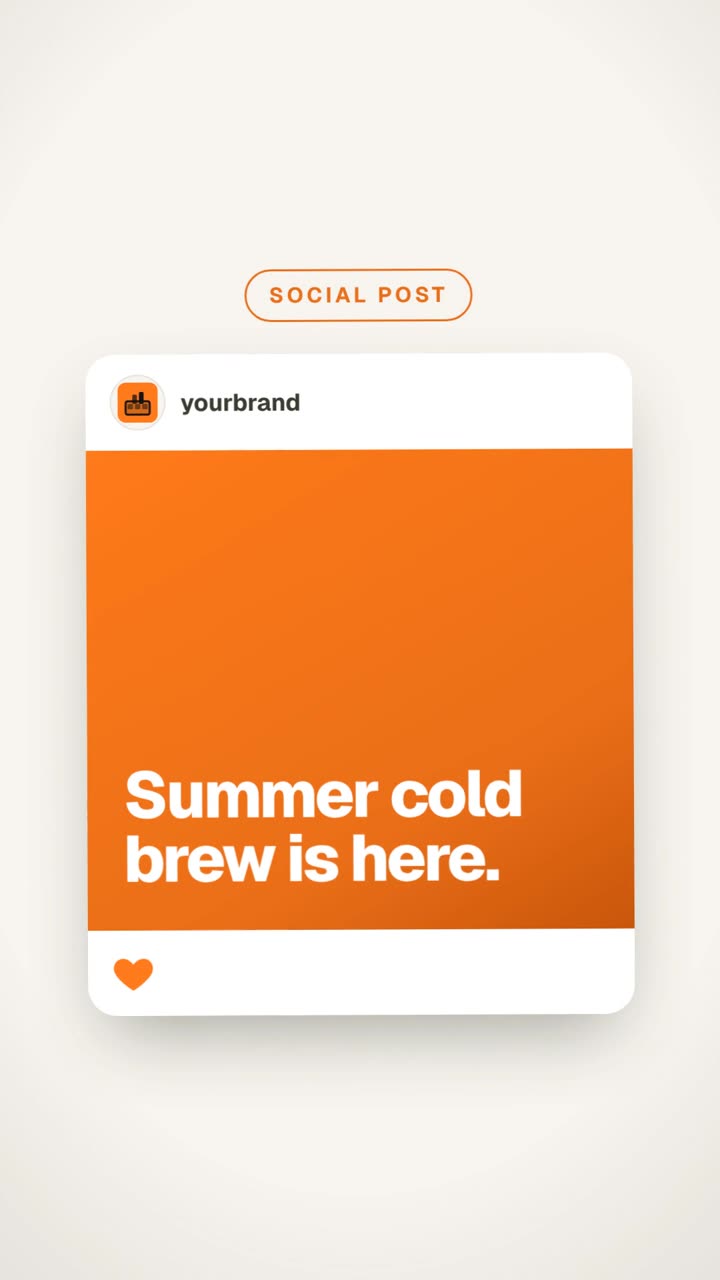
Launch day happens on more than one site. Render the same link again in 9:16 for Reels, TikTok and Shorts, or in 1:1 for LinkedIn, and schedule those posts for the hour you go live. Each render is priced on its own before it starts.
Because the posts and the YouTube upload sit in one queue, the whole launch runs from one calendar instead of five tabs.
No launch page yet?
Start from your idea & media instead: write the brief, add up to 20 of your own clips, screenshots and images, and set any length from 5 to 90 seconds. Or paste a launch video you admire and get the same kind of pacing and layout for your brand, without its logos, faces or text.
How it works
- 01
Paste the page you are launching
Use the page the launch points to, so the claim and the screenshots match what hunters will see.
- 02
Pick 16:9 and 30 seconds
16:9 fills the gallery and YouTube. Add a library track, your own file, or none.
- 03
See the price and render
The quote shows first. The finished film lands in your library.
- 04
Publish it to YouTube
Connect your YouTube channel and post the video from the same queue as the rest of your launch.
- 05
Paste the full link
Copy the full YouTube URL, not a shortened one, into your Product Hunt launch form.



What does it cost?
A video from your link is 31 credits for 15 s, 38 for 30 s and 46 for 45 s, including the site capture, device renders and an art-direction pass. Videos from your idea & media or from a video you love run from 13 credits at 5 s to 55 at 90 s. You see the exact price before you confirm, and a render that fails is refunded in full.
Questions, answered
More on launch videos
Lead your gallery. With a real film.
Paste the page you are launching, render in 16:9 and post it to YouTube from the same queue.
Rated 4.9/5 by 180+ content teams · First video in about 7 minutes · Nothing goes live until you schedule it