Start anywhere. Get it animated on the beat.
An animated video maker that starts from what you already have: your site, a brief with your own clips and images, or a video you love. Scenes cut to the music, in 9:16, 1:1 or 16:9, ready to schedule.
Animated video
- Ways to start
- 3
- Length of a custom video
- 5–90 s
- Aspect ratios
- 3
- Your files per brief
- 20
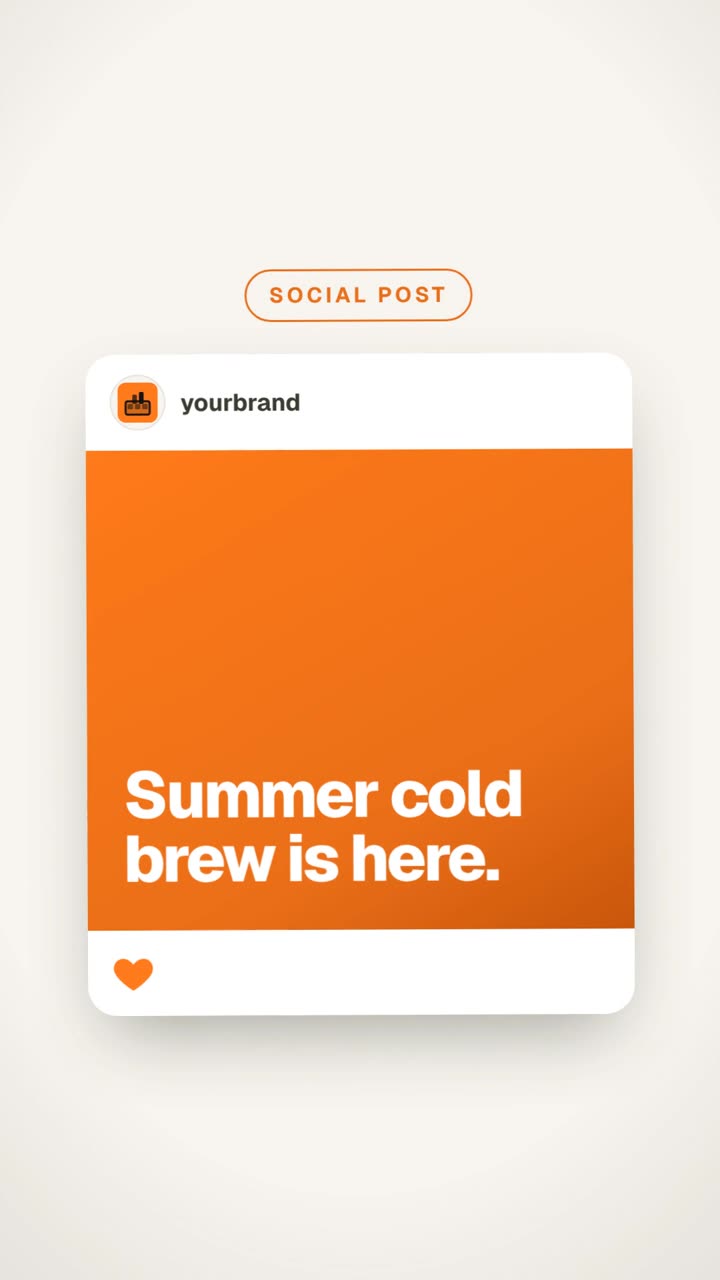
Start from what you already have.
Every start ends the same way: a motion video in your brand, cut to the music, waiting in your library.
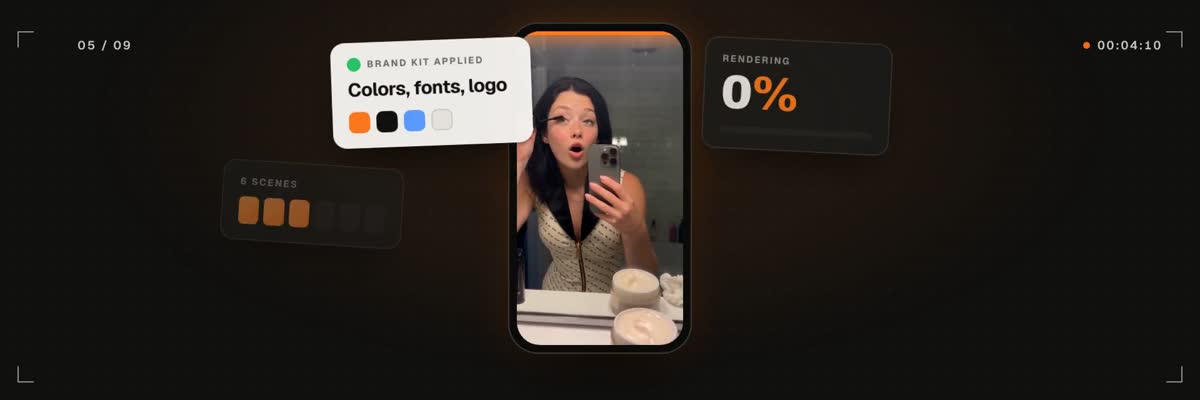 From a link01
From a link
15, 30 or 45 sPaste your site. Get a launch or promo video with your logo, colors and screenshots.
- 02
From your idea & media
5 to 90 sA brief and up to 20 of your own videos and images. The whole motion video is written around them.
- 03
Like a video you love
5 to 90 sPaste a TikTok, Instagram, X or YouTube link, or upload one. Same pacing and style, your brand, nothing copied.
Animated video: what it does
- 01
From a link: paste your site and get a launch or promo video in your brand colors, with your logo and screenshots, at 15, 30 or 45 seconds.
- 02
From your idea & media: write a brief, add up to 20 of your own videos and images, and the whole motion video is written around them, 5 to 90 seconds.
- 03
Like a video you love: paste a TikTok, Instagram, X or YouTube link, or upload a video. It studies the pacing, type, motion and layout, then makes the same kind of video for your brand.
- 04
Nothing is lifted from the reference. Its logos, faces and text stay out, and your brand kit goes in their place.
- 05
Pick music from the built-in library after hearing it, upload your own mp3, wav or m4a, or go without. Scenes cut to the beat.
- 06
Every animated video comes in 9:16, 1:1 or 16:9, so one brief covers Reels, feeds and YouTube.
- 07
Start it on the create page or ask the assistant in chat. It asks for any media it is missing and plays the music in the chat before you choose.
- 08
Your own agent can make one over the MCP server, with the price quoted before anything renders.







Animated video: how it works
Pick where to start
A link to your site, a brief with your own clips and images, or a video you love.
Set the ratio, length and music
Choose 9:16, 1:1 or 16:9, a length, and a track from the library, your own file, or none.

See the price. Render.
Confirm the credits and it renders. The finished video waits in your library until you schedule it.
Animated video: questions
Your first animated video is one link away.
Paste your site, pick a track, confirm the price. It waits in your library until you schedule it.
Rated 4.9/5 by 180+ content teams · First video in about 7 minutes · Nothing goes live until you schedule it